A head start
for every learner.
A head start is usually something you buy — tutors, test prep, camps. This one is free.
Snap tonight's homework. AI builds practice on the skills on that page, and it keeps bringing them back until each one is mastered.
Free forever — built by a parent, funded by its founder and by donations.
Start wherever you are.
Homework isn't the only door. There are three.
Snap a page
Tonight's homework, a problem set, a textbook — photograph it and practice what it teaches.
Pick any topic
Fractions, statistics, Spanish, public speaking — AI builds the skill tree and starts you practicing.
Paste a job posting
LeftStart finds the skills the role asks for and builds practice until you walk into the interview ready.
More than
13×
That's how much the top-earning tenth of US families spent per child in 2024 on childcare, school costs, tutoring and lessons, next to the bottom quarter.
In the early 1980s it was about 3×. Source: Hastings, Sociological Science (2026).
We exist to close that gap.
Our mission →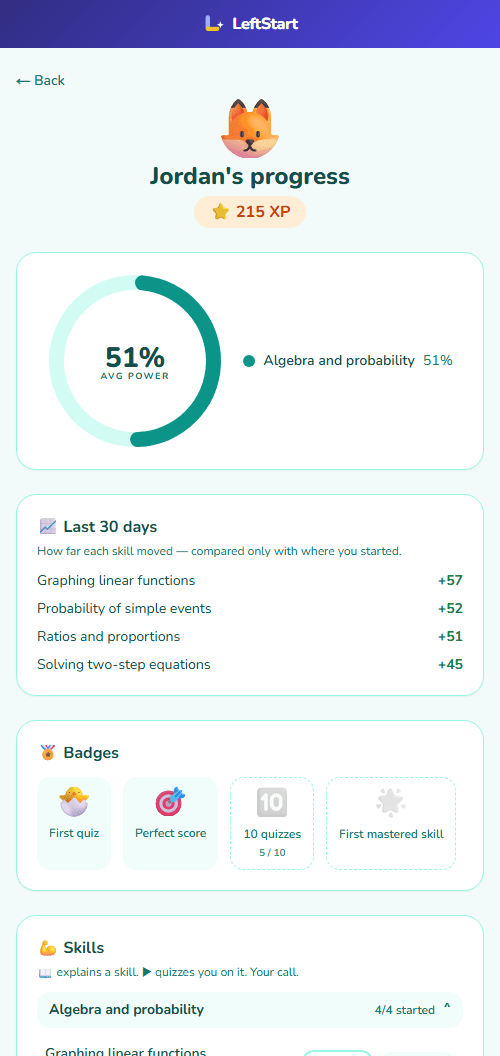
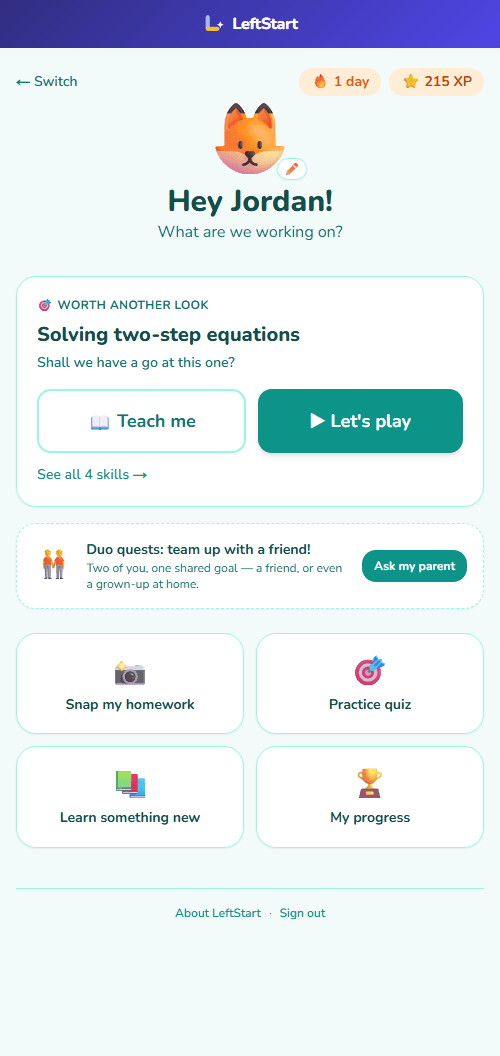
Real screens from the real app — it grows up with the learner.
Snap. Spot. Power up.
- 1. Start — a photo, a topic, or a job posting.
- 2. Spot — AI finds the exact skills to practice.
- 3. Power up — short, encouraging practice until each skill is truly mastered.
And “mastered” can be lost. A skill left alone loses ground here, and refreshers pull it back — because that is what forgetting actually does. Most apps only ever count upwards.
The full story →What happens to the photo
It’s read once to work out which skills to practice, and then it’s gone — never stored, and never used to train a model. No ads, no subscriptions, nothing sold. The parent view is free too, because seeing how your child is doing shouldn’t be the paid part.
How we handle data →Made for every age
The whole app changes with the learner — look, tone, and content.
K-8 kids
Homework becomes a power-up — playful, read-aloud, never discouraging.
More →High schoolers
Real SAT/ACT practice with real formats. $0.
More →College & grad school
Office hours at any hour — drill the exact skills your course is testing.
More →Working adults
Get the job you want — not just the one you're qualified for.
More →
“I sat down to help our son with his homework and found out that math I hadn’t touched in thirty years doesn’t come back. So we hired a tutor — then I built this one, and made it free.”A parent built this →